 GBP Autopilot
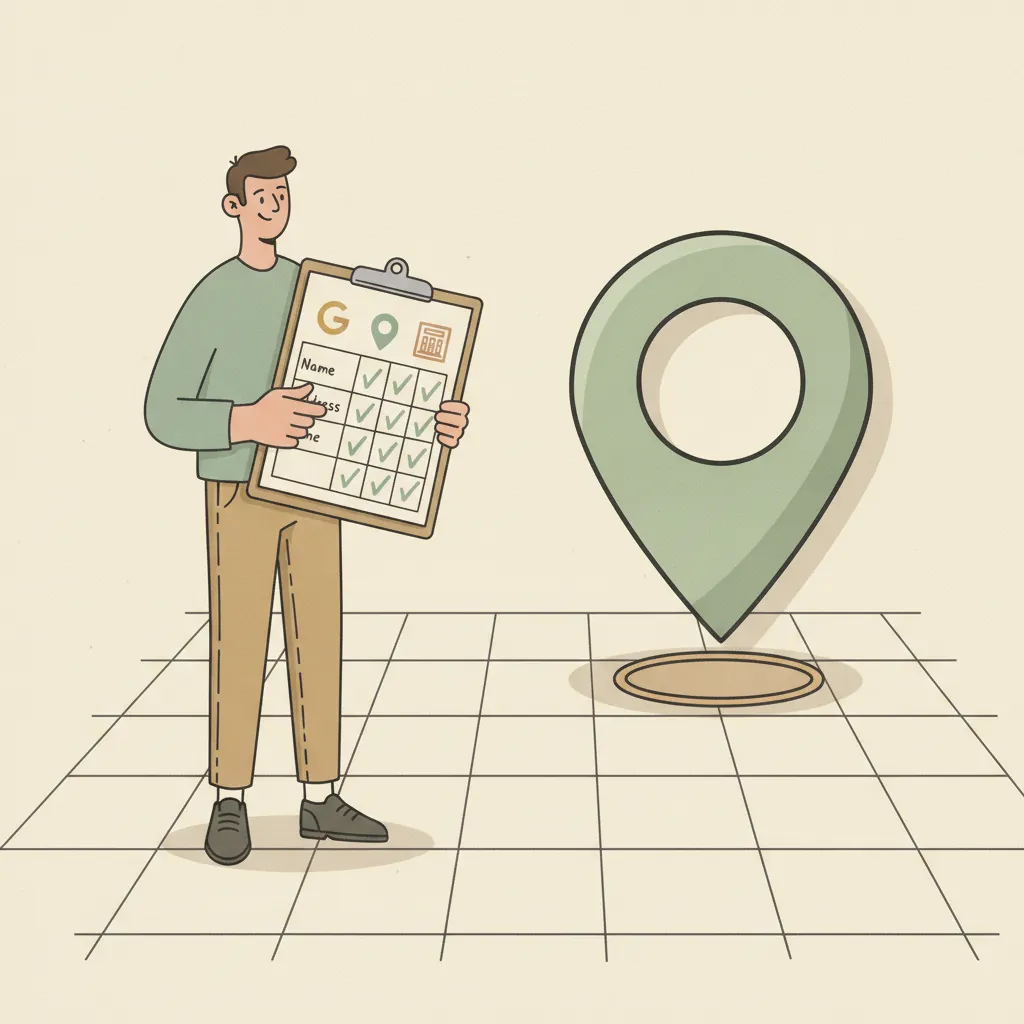
Local SEO is not a single task — it is a stack of overlapping systems that each contribute a layer of visibility. For small service businesses, ranking in the Google Maps Local Pack is often worth more than any paid advertising spend, but only if the underlying signals are built correctly and maintained consistently. This checklist walks through every layer in priority order, so you know what to do first, what to revisit quarterly, and what to automate.
Layer 1: Google Business Profile (GBP) Fundamentals
Your Google Business Profile is the direct input into Maps rankings. Get this right before anything else.
Core Setup
- Claim and verify your listing. If you have not verified your Business Profile, nothing else matters — unverified listings have severely limited visibility. Use the postcard, video, or phone verification method.
- Select the right primary category. Your primary category is the most powerful relevance signal on your profile. It should match the core service you want to rank for. "Emergency Plumber" beats "Plumber" if emergency calls are your target. Do not choose a vague umbrella category.
- Add all relevant secondary categories. Up to 10 secondary categories are allowed. Use them for your full service menu — HVAC, Water Heater Repair, Drain Cleaning — but never keyword-stuff.
- Write a keyword-rich business description. 750 characters maximum. Lead with your most important service and city. Write for humans, not bots.
- Set accurate business hours, including special/holiday hours. Outdated hours are a trust signal killer. Google may reduce your listing's visibility if hours mismatches are flagged.
- Add your website URL and phone number. These must match your canonical NAP data across all citations.
- Set your service area (service-area businesses). If you travel to customers, define the radius or zip codes you serve. This affects proximity scoring across your trade area.
- Enable messaging if you can respond within 24 hours.
Content Completeness
- Upload at least 10 photos. Businesses with photos receive more clicks. Include exterior (so customers recognize the building), interior, team, and work photos. No stock photos.
- Add your full services list. Use Google's services tab to list every service with descriptions. This feeds relevance signals for long-tail queries.
- Add products if applicable (restaurants, retail).
- Create a Google Post at least twice per month. Offers, updates, or event posts signal activity to Google and provide fresh content. Posts expire after 7 days (offers last until set end date).
For a deeper dive on profile optimization, see our Google Business Profile optimization checklist.
Layer 2: Reviews
Reviews are both a prominence signal for rankings and the primary trust signal for conversion. These two goals reinforce each other.
- Ask every customer for a review — without screening for sentiment. Google's policy explicitly prohibits "discouraging or prohibiting negative reviews" and "selectively soliciting positive ones." Ask everyone the same way, every time. No pre-screens, no sentiment funnels.
- Create a direct review link from your GBP dashboard ("Get more reviews") and put it everywhere: SMS, email, invoices, QR codes.
- Respond to every review — positive and negative — within 48 hours. Responding to reviews is a ranking signal and a conversion signal.
- Set up a systematic review request process. Ad hoc asking does not produce consistent volume. Automate your post-service review request via SMS (see how to rank higher on Google Maps for why review velocity matters) or email.
- Aim for a consistent velocity, not a one-time burst. Periodic surges of reviews followed by months of silence look unnatural to Google's spam detection.
Layer 3: NAP Consistency and Citations
Citations — your business name, address, and phone number listed across the web — are foundational prominence signals.
- Establish a canonical NAP format and write it down. Pick one format for your business name, address style (Street vs. St., Suite vs. Ste.), and phone format. Every listing must match exactly.
- Submit to the four major data aggregators: Data Axle, Localeze, Foursquare, and Factual. These push data to hundreds of downstream directories.
- Claim and complete your listings on Yelp, Apple Business Connect, Bing Places, and Facebook. These are the highest-traffic consumer directories.
- Submit to 3–5 industry-specific directories relevant to your vertical (Healthgrades for dental, Angi for home services, Avvo for law, etc.).
- Audit for duplicate or incorrect listings using a tool or manually. Suppress or merge duplicates. Update old addresses or phone numbers.
- Add your business to local directories: chamber of commerce, city guides, local newspaper business listings.
For a complete citation building walkthrough, see our local citations beginner's guide. For the rules on keeping data consistent, see our NAP consistency guide.
Layer 4: On-Page Website Signals
Your website sends location and relevance signals to Google that reinforce your Business Profile.
- Embed your NAP in the footer of every page — in crawlable text, not just an image. Format it identically to your citation NAP.
- Create a dedicated Contact page with your full address, phone number, and an embedded Google Map of your location.
- Create service area landing pages for the cities and neighborhoods you serve, especially if you operate outside your immediate neighborhood. Each page should have unique content, not just swapped city names.
- Use location-relevant title tags and H1s. "Plumbing Services in Austin, TX | Main Street Plumbing" is better than "Plumbing Services | Main Street Plumbing."
- Implement LocalBusiness schema markup on your homepage and location pages. This structured data helps Google extract and confirm your NAP, business type, and hours programmatically.
- Optimize page speed for mobile. Most local searches happen on mobile. Google's Core Web Vitals affect organic rankings and implicitly affect how Google evaluates your site as a GBP data corroboration source.
- Earn local backlinks. Sponsorships of local events, partnerships with complementary businesses, press mentions in local media — these local prominence signals help Maps rankings in addition to organic rankings.
Layer 5: Rank Tracking and Ongoing Monitoring
Local SEO is not a set-and-forget task. Rankings shift, competitors build reviews, citations drift incorrect, and Google tweaks its algorithm.
- Set up geo-grid rank tracking for your top 3–5 keywords. A geo-grid tracker shows you your Maps rank at dozens of points across your service area — not just from a single location. This reveals geographic gaps you can close with targeted effort.
- Check your GBP for Google-suggested edits monthly. Google allows anyone to suggest changes to your profile (address, hours, even business name). Review and approve or reject these regularly. Unapproved edits can silently change your profile.
- Monitor for new duplicate listings quarterly.
- Audit your top 10 citations for accuracy quarterly — especially after any change to your address, phone number, or business name.
- Track review velocity, not just total count. Set a monthly target and monitor whether your ask process is hitting it.
- Review your GBP insights monthly: search queries that surfaced your listing, direction requests, website clicks. This data shows you which keywords are driving impressions and where new content or category additions could help.
Priority Order for a New or Under-Optimized Business
If you are starting from scratch or significantly behind, do these in order:
- Verify your Google Business Profile
- Select the correct primary category
- Complete profile to 100% (hours, photos, services, description)
- Fix NAP consistency across the four core aggregators
- Claim Yelp, Apple Maps, Bing Places, Facebook
- Set up a consistent review request process
- Build 3–5 industry directory citations
- Add LocalBusiness schema to your website
- Create service-area landing pages for your top 2–3 cities
- Start geo-grid rank tracking so you can measure progress
GBP Autopilot automates the review request piece (item 6) — sending TCPA-compliant SMS messages after every job, without pre-screening customers. It also includes a built-in geo-grid rank tracker so you can see the Map Pack progress that results from your review velocity improvements over time. Start at $29/mo at gbpauto.pro.
Maintenance Schedule: What to Do Monthly vs. Quarterly
Local SEO is not one-time work — it is a system that requires regular upkeep as Google's data, your competitors' actions, and your own business details evolve.
Monthly:
- Post at least two Google Posts to your GBP
- Review new reviews and respond to every one within 48 hours
- Check your GBP for Google-suggested edits (competitors and members of the public can suggest changes to your listing)
- Review your GBP Insights report for new queries, direction requests, and clicks
- Check review velocity against your monthly target
Quarterly:
- Audit your top 10–15 citations for accuracy (address, phone, hours)
- Search for duplicate GBP listings and other duplicate directory profiles
- Run a geo-grid report for your top 3 keywords and compare to the previous quarter's heatmap
- Review your primary and secondary GBP categories against top-ranking competitors — categories shift in effectiveness as Google updates its taxonomy
- Check that your website's NAP footer and LocalBusiness schema match your current GBP data exactly
Annually:
- Full citation audit using a tool or service
- Competitive analysis — assess the review volume, profile completeness, and backlink profiles of the top-3 Map Pack results for your most important keywords
- Review and refresh service-area landing pages if your geographic focus has shifted
- Reassess your primary GBP category if your service mix has evolved
The checklist above gives you the foundation. The maintenance schedule keeps that foundation from eroding. Most businesses that drop in local rankings over time do so not because they did something wrong — but because they stopped doing the right things.
Sources
[^1]: BrightLocal. "Local SEO Checklist [+ Template]." https://www.brightlocal.com/learn/local-seo-checklist/
[^2]: Google. "How Google determines local ranking." Google Business Profile Help. https://support.google.com/business/answer/7091
[^3]: Google. "Prohibited & restricted content." Maps User Generated Content Policy. https://support.google.com/contributionpolicy/answer/7400114