 GBP Autopilot
Most local service businesses under-collect reviews for the same reason: they do not have a consistent system for asking. Knowing how to ask for reviews — the right words, the right channel, the right moment — is the skill that separates businesses with 200 reviews from businesses stuck at 12.
This article covers every major channel, what to say in each one, and the compliance rules you cannot ignore if you are using SMS.
The Most Important Rule: Ask Everyone
Before tactics: the only compliant, sustainable approach is to ask every customer the same way, regardless of how you think the interaction went. Google explicitly prohibits "selectively soliciting positive reviews" — the practice of pre-screening sentiment and only asking happy customers.[^1] This is called review gating, and it will get your reviews removed and your Business Profile flagged.
Ask the plumbing customer whose job took longer than expected. Ask the dental patient who was nervous. Ask the restaurant table that sent back a dish. Not because you expect a 5-star from all of them, but because asking selectively is prohibited — and because your aggregate rating will normalize over honest volume.
Channel 1: SMS (Highest Converting)
SMS is the most effective channel for review requests. Open rates are approximately 98% and the average response time is around 90 seconds, compared to a 20% open rate and 90-minute response lag for email.[^2]
What makes an SMS ask compliant (TCPA)
You cannot legally text a customer a marketing or solicitation message without their prior express written consent. For review requests — which are commercial in nature — you need:
- Explicit opt-in: the customer actively agreed to receive texts from you. This must happen at the time of booking, on a paper intake form, or at point of sale. Pre-checked boxes do not count.
- Your business name in the message
- Opt-out instructions in every message ("Reply STOP to opt out")
- Sent only between 9 AM and 9 PM in the customer's local time zone
- No protected health information in the body (dental, chiropractic, medspa)
For a full breakdown of TCPA requirements for review requests, see TCPA and SMS review requests.
What to say
Keep it under 160 characters if possible (one SMS segment). Be direct. Use their first name.
Hi [First Name], thanks for visiting [Business Name] today. Mind leaving us a quick Google review? [link] Reply STOP to opt out.
That is it. No long preamble. The customer knows who you are — they just used your service. The ask needs to be frictionless, not elaborate.
For vertical-specific templates, see Google review request templates (SMS & email).
Channel 2: Email
Email converts at a lower rate than SMS but reaches customers who did not opt in for texts, and it gives you more space to provide context and a personalized note.
Timing
Send 24–48 hours after the service is complete. Early enough that the experience is fresh; late enough that the customer has had a chance to evaluate the result (especially relevant for services where the outcome is visible over time, like auto detailing, dental work, or landscaping).
What to say
Subject line options:
- "Quick favor, [First Name]?"
- "How did we do, [First Name]?"
- "[Business Name] — your feedback matters"
Body structure:
- One-sentence thank-you, specific to the service
- One sentence explaining why reviews matter to your business
- Single CTA with the review link — no other links competing for attention
- Opt-out or preference center link (legally required for commercial emails under CAN-SPAM)
Channel 3: The In-Person Ask
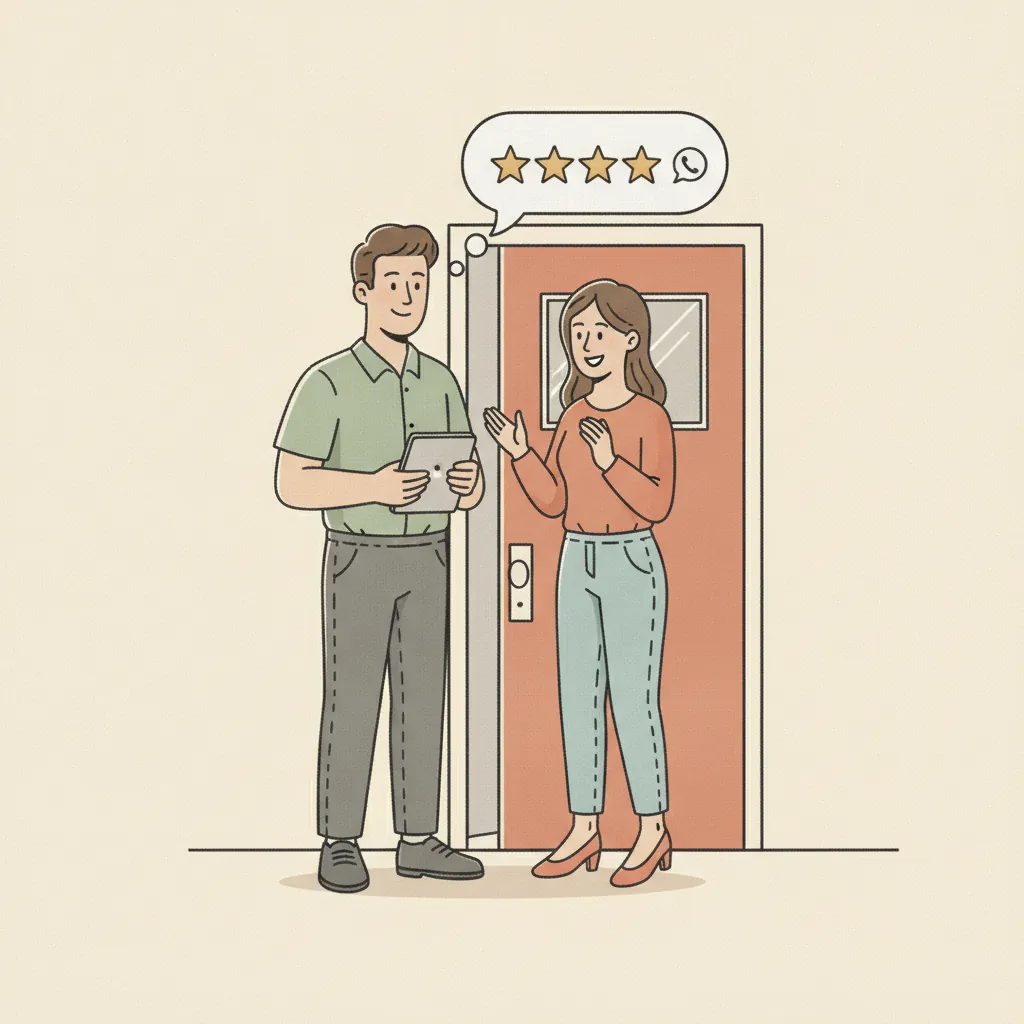
Your technician, hygienist, server, or front desk rep has the highest-converting channel available — a face-to-face moment at the end of a positive interaction. No technology required.
The ask should be simple, natural, and unconditional:
"Thanks so much for your business today. If you have a minute, we'd really appreciate a Google review — it helps us a lot."
Train every customer-facing team member on this. One sentence, no conditions. Do not add "if everything went well." Ask everyone.
Pair the verbal ask with a QR code on the receipt, invoice, or the tablet at checkout that goes directly to your Google review link — so the customer has a frictionless path immediately after expressing interest.
Channel 4: Printed Materials
Not every customer will respond to digital outreach. Printed inserts in packaging, cards left after a service call, or stickers on completed work (common in HVAC and auto repair) can prompt review actions hours or days later when the customer is at their phone.
Keep the copy simple:
"How did we do? Leave us a Google review: [short URL or QR code]"
If your review link is long, use a URL shortener or a redirect (like your own domain /reviews) to keep the print readable.
Channel 5: Post-Service Follow-Up Calls
For higher-ticket or relationship-driven services — law, dentistry, chiropractic, remodeling — a follow-up call from the owner or account manager carries real weight. During that call:
- Ask how they are doing / check satisfaction
- If it is positive, pivot: "We're really glad to hear that. If you'd be willing to share that on Google, it would mean a lot to us — I can text you the link right now."
This converts because it is personal and the customer feels reciprocal obligation after a positive check-in. It also catches issues before they become public reviews.
Timing: The Best Moment to Ask
The right timing varies by service type. The pattern to follow:
| Service | Optimal ask window |
|---|---|
| Restaurants / quick service | Same day, within 1–2 hours |
| Auto repair / detailing | 24 hours post-pickup |
| Dental / chiro / medspa | 24–48 hours post-appointment |
| HVAC / plumbing emergency | Within 1–2 hours of job close |
| Legal / consulting / remodeling | 5–7 days after key milestone |
The general rule: ask while the positive emotion is high, but after the outcome has had time to land. A customer asked to review immediately at checkout — before they have even gotten home — often forgets before they act.
For a full analysis of timing across channels, see the best time to ask for a review.
What Never to Do When Asking for Reviews
Do not filter by satisfaction first
Sending a satisfaction survey and then only routing the happy responses to Google is review gating. It is prohibited by Google policy and, as of October 2024, enforceable by the FTC with fines up to $51,744 per violation.[^3]
Do not offer incentives
"Leave us a review and get 10% off your next visit" is prohibited regardless of whether you specify a positive review. Google's policy prohibits reviews "paid for, directly or in kind."[^1] The prohibition is on the exchange, not the sentiment condition.
Do not ask on-premises in bulk
Setting up a "review station" — a tablet at checkout where customers leave reviews sequentially — violates Google's policy. The reviews need to come from each customer's own device and their own session.
Do not pressure or ask multiple times from the same channel in the same week
One ask, one follow-up (via a different channel), is the practical limit before it tips from follow-up into harassment. Most customers who will leave a review do so within 48 hours of the first ask.
Building a Consistent Ask Process
The businesses that consistently outperform on review volume have systemized the ask. They do not rely on any individual employee to remember. The process is baked in:
- Review link QR code on all receipts and invoices
- Opt-in checkbox on booking form / intake form for SMS
- SMS triggered automatically within 1–2 hours of job close
- Email sent 24–48 hours later if no review posted
- Verbal ask trained across all customer-facing staff
- Response target set: reply to all reviews within 48 hours
For the full picture on building that review volume sustainably, read how to get more Google reviews — the cornerstone guide with every major strategy in one place.
If you want to implement this across your business without managing it manually, GBP Autopilot handles the SMS and email sequence automatically — TCPA-compliant, triggered at the right moment, at $29–49/mo with no annual contract.
Sources
[^1]: Prohibited & Restricted Content — Maps User Generated Content Policy, Google [^2]: SMS vs. Email Open Rates — TextingOnly [^3]: What Is Review Gating and Why It Violates Google's Review Policies — SEOlogist