 GBP Autopilot
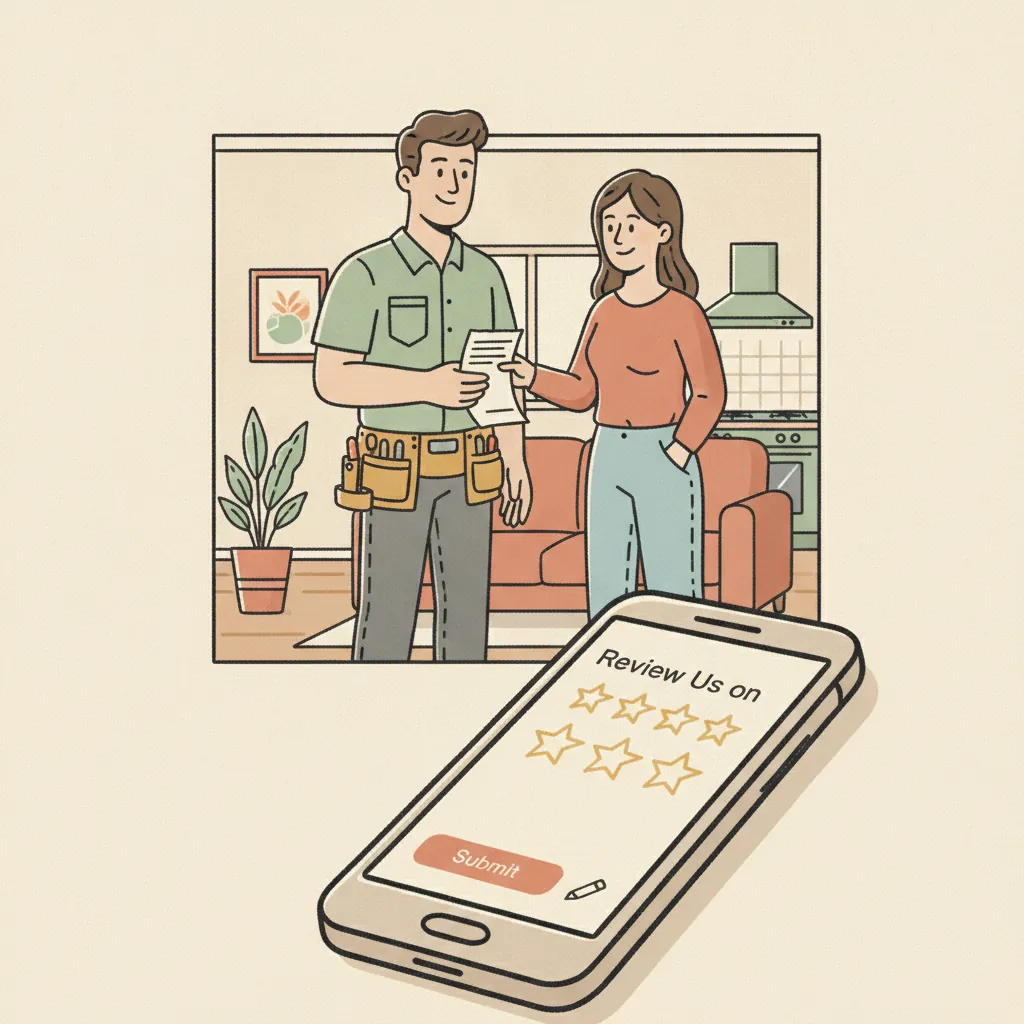
If you run a local service business — plumbing, HVAC, dental, auto repair, restaurant, chiropractic, medspa — Google reviews are probably the single most leveraged thing you are not doing consistently. Learning how to get more Google reviews is less about a secret tactic and more about building a repeatable process that asks every customer, every time.
This guide covers every major channel, the timing that matters, the compliance rules you cannot ignore, and a framework you can install this week.
Why Google Reviews Are Your Most Valuable Marketing Asset
According to BrightLocal's Local Consumer Review Survey, 81% of consumers use Google to evaluate local businesses before choosing one — more than any other platform.[^1] That same survey found 75% of consumers always or regularly read online reviews before making a purchase decision.
Google also tells you directly that reviews affect local ranking. Its own guidance states: "More reviews and positive ratings can help your business's local ranking" under the Prominence factor in local search.[^2] Reviews are not just social proof — they are a ranking input.
More practically: a competitor with 150 reviews at 4.7 stars is going to get the click over you at 23 reviews and 4.2 stars, almost every time. Closing that gap is a volume problem with a process solution.
For a deeper look at why reviews affect search visibility, see why Google reviews matter for local SEO.
The One Rule That Governs Everything: Ask Everyone
Before any tactic: Google's review policy explicitly prohibits "discouraging or prohibiting negative reviews" and "selectively soliciting positive ones."[^3] This practice is called review gating, and it will get your reviews removed and your Business Profile suspended if caught.
The only compliant approach is to ask every customer the same way. No sentiment pre-screens ("How was your experience?"), no directing only happy customers to Google. Everyone gets the same ask, every time.
If you want to understand exactly why gating is prohibited and what the FTC says about it, read why review gating violates Google's policy.
Step 1: Get Your Google Review Link Ready
Before you can ask anyone for a review, you need a direct link that sends customers straight to the review dialog — not to your Business Profile homepage where they have to find the "Write a review" button themselves.
You get this from Google Business Profile Manager:
- Log into business.google.com
- Select your location
- Click "Get more reviews" (or "Share review form")
- Copy the short URL
That link is the engine behind every channel below. Keep it somewhere accessible — you will use it in SMS messages, email footers, QR codes, and receipts.
For a full walkthrough of creating and sharing that link, see how to create and share your Google review link.
Step 2: Ask at the Right Moment
Timing is the variable most businesses overlook. The window for a customer to feel motivated to leave a review is narrow.
Rule of thumb by service type:
| Service type | Best ask timing |
|---|---|
| Restaurant / quick service | Same day, within 2 hours of visit |
| Auto repair / detailing | 24 hours after pickup |
| Dental / chiropractic / medspa | 24–48 hours after appointment |
| Plumbing / HVAC emergency | Within 1–2 hours of job completion |
| Longer projects (remodeling, legal) | 5–7 days after meaningful milestone |
The core principle: ask while the experience is fresh, but after the customer has had a moment to reflect. Asking before they have left the parking lot can feel rushed. Waiting a week for most service types means the emotion has cooled.
Step 3: Use SMS as Your Primary Channel
SMS is the highest-converting channel for review requests by a significant margin. Open rates for text messages run around 98%, compared to roughly 20% for email. Response time averages 90 seconds for SMS versus 90 minutes for email.[^4]
For a detailed comparison with data, see SMS vs. email review requests.
What a compliant SMS review request requires (TCPA):
- The customer gave explicit written opt-in consent at the time of booking or at point of sale — not implied, not pre-checked
- Your message identifies your business by name
- You include opt-out instructions (reply STOP to stop, HELP for help)
- You send only between 9 AM and 9 PM in the customer's local time zone
- You never put protected health information in the SMS body (relevant for dental, chiro, medspa)
A basic compliant template:
Hi [First Name], thanks for choosing [Business Name] today. If you have a moment, we'd appreciate a Google review: [link]. Reply STOP to opt out.
For more templates broken down by vertical, see Google review request templates (SMS & email).
Step 4: Build a Multi-Touch Sequence
One ask converts some customers. A thoughtful sequence converts significantly more. The structure that works for most local service businesses:
Touch 1 — SMS, 1–2 hours post-service (or same-day for appointments) Short, direct, personal. Use the customer's first name and name-drop the specific service if possible.
Touch 2 — Email, 3–5 days later (if no review posted) Slightly longer. Can include a "here's why reviews help us" sentence. Still ends with a single clear link.
Touch 3 — Optional SMS or postcard, 7–10 days later (if no review posted) Some businesses stop at two touches. If you add a third, keep it brief and warm, not pressuring.
The goal is not to badger anyone — it is to catch customers at the moment they are most likely to act. People have intentions and then get interrupted; a second touch often catches them at a better moment.
Step 5: Make the In-Person Ask a Standard Operating Procedure
Your team has the most impact. A genuine, in-person mention from the technician, hygienist, or server converts better than any automated message — because it is personal.
Script for your team:
"We really appreciate your business. If everything went well today, we'd love it if you took a minute to leave us a Google review — it really helps us out."
That is it. No conditions. No "if you had a great experience." Ask everyone. Pair it with a QR code on the receipt or invoice that goes directly to your review link.
SOP checklist for service businesses:
- QR code printed on all invoices / receipts linking to Google review page
- Team trained with a 1-sentence verbal ask at job close
- Review link posted in email signature of all customer-facing staff
- Review link on thank-you / follow-up cards (for higher-ticket services)
Step 6: Audit and Optimize Your Google Business Profile
More reviews help your ranking, but so does everything else about your Business Profile. If your profile is incomplete or inconsistent, you are leaving visibility on the table even if your review count is solid.
Quick audit checklist:
- Business name, address, phone (NAP) exactly matches your website and citations
- Primary category correctly set (e.g., "Plumber" not "Contractor")
- Business description written (uses natural keywords, no keyword stuffing)
- Hours accurate and updated for holidays
- Photos added (interior, exterior, team, work samples — minimum 10)
- Services listed with descriptions
- Questions and Answers section populated with common FAQs
- Messaging enabled
A fully-optimized profile surfaces more often in local searches, which means more impressions for your reviews to do their work.
Step 7: Respond to Every Review
According to BrightLocal, 93% of consumers expect businesses to respond to their reviews.[^1] And 89% read businesses' responses to reviews before making a decision. Responding signals to both customers and Google that your profile is active and that you take feedback seriously.
The response does not need to be long. For positive reviews: thank the customer specifically, mention the service or location, and invite them back. For negative reviews: acknowledge, apologize for the experience without admitting liability if disputed, and offer to take it offline. Never argue.
Responding to reviews is also an opportunity to naturally include keywords (your service, your city) in a way that is helpful to readers — not stuffed.
What Not to Do
There are common tactics that seem harmless but create real risk:
Do not offer discounts, free services, or gift cards for reviews. Google's policy prohibits reviews "paid for, directly or in kind."[^3] The FTC's 2024 rule on fake and incentivized reviews allows for civil penalties up to $51,744 per violation. One enforcement action can erase your entire review portfolio.
Do not ask only happy customers. Even a well-intentioned internal satisfaction survey that routes happy customers to Google and unhappy ones to a private form is review gating — prohibited by Google and, as of October 2024, enforceable by the FTC.
Do not buy reviews. Purchased reviews violate Google's policy and are increasingly detected by Google's automated systems, which removed over 170 million policy-violating reviews in 2023 alone.[^1]
Do not ask for reviews on-premises in bulk. Having a stack of tablets at checkout for customers to leave reviews in sequence — known as "review stations" — violates Google's policy against soliciting reviews on premises.
How to Scale with Automation
Manual outreach works, but it does not scale. If you are doing 20+ jobs or appointments per week, you need a system that fires automatically when a job closes in your CRM or scheduling software.
The right setup:
- Job marked complete in your system
- Customer's phone number and name passed to a review request tool
- SMS sent automatically within the timing window
- If no review posted in 3–5 days, follow-up email triggered
- Review response notifications sent to whoever is managing the profile
This is exactly what GBP Autopilot automates — TCPA-compliant SMS requests timed correctly, with no manual step required after job close. At $29–49/mo with no annual contract, it costs less than a single unanswered 1-star review costs you in lost business.
Summary
Getting more Google reviews is a process, not a campaign. The businesses that consistently win on Google Maps have made it a standard part of closing every job:
- Get your review link ready
- Ask at the right time — not too early, not too late
- Use SMS as the primary channel (with proper TCPA opt-in)
- Build a multi-touch sequence
- Train your team on the in-person ask
- Keep your profile complete and up to date
- Respond to every review
The businesses that ask every customer, every time, beat the ones that cherry-pick or occasionally remember to ask.
Sources
[^1]: Local Consumer Review Survey 2024 — BrightLocal [^2]: Tips to improve your local ranking on Google — Google Business Profile Help [^3]: Prohibited & Restricted Content — Maps User Generated Content Policy, Google [^4]: SMS vs. Email Open Rates — TextingOnly