 GBP Autopilot
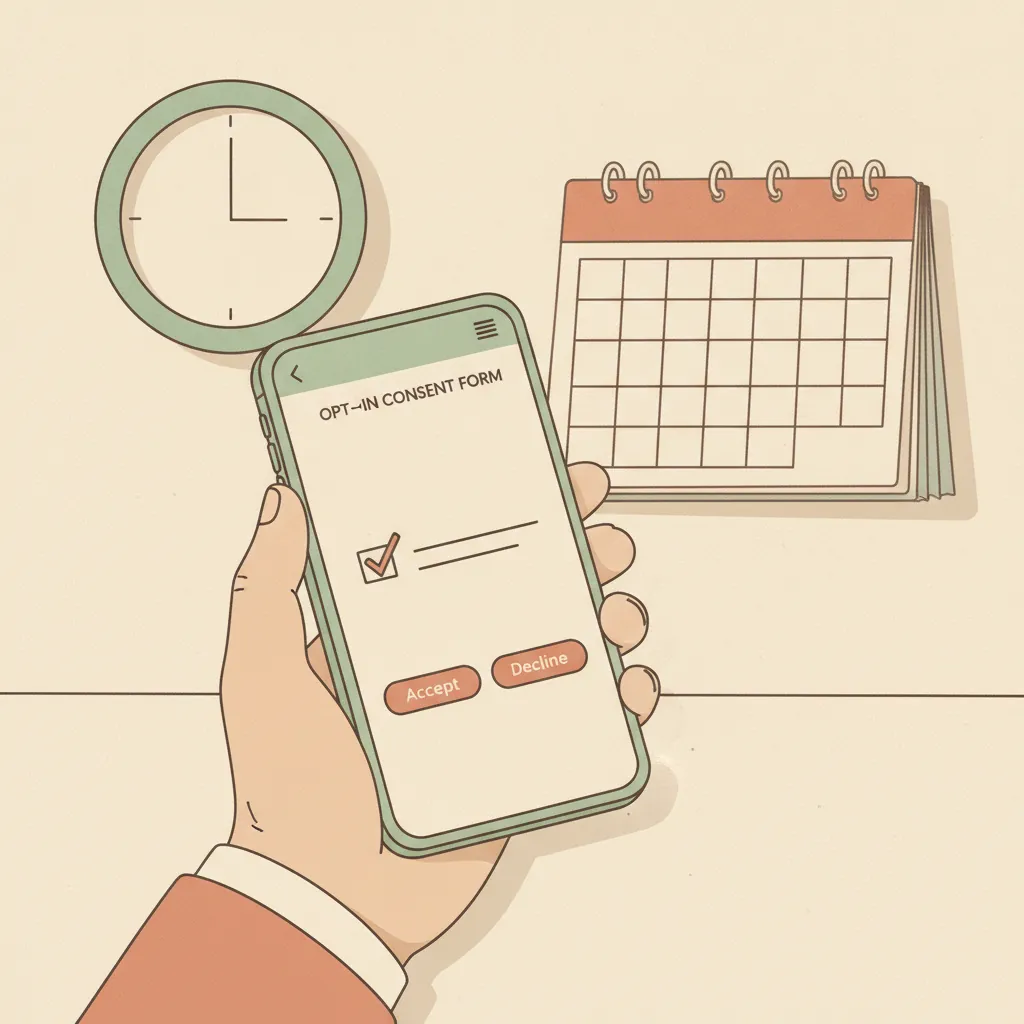
If you send text messages to customers — whether for appointment reminders, promotions, or review requests — the Telephone Consumer Protection Act (TCPA) sets rules you must follow. The two that trip up local businesses most often are proper opt-in consent and quiet hours. Get them wrong and you're exposed to per-message fines that can run into the thousands.
This guide is practical, plain-language, and aimed at plumbers, dentists, chiropractors, auto shops, restaurants, law firms, and medspas sending SMS to US customers. It is not legal advice; consult a qualified attorney for your specific situation.
Why the TCPA Matters for Review Requests
The TCPA was originally written for robocalls, but the FCC has consistently applied it to marketing text messages sent using automated systems. That includes the automated SMS review-request flows built into most reputation management platforms — including the kind that fires a text an hour after a job closes.
The stakes are real. A single non-compliant text can expose a business to $500–$1,500 in statutory damages per message. Class actions targeting small businesses over TCPA violations are not uncommon.
Before sending any automated marketing SMS — including review requests — you need two things in order: valid opt-in consent and a plan to respect quiet hours. See our deeper dive on TCPA compliance for SMS review requests for the full framework.
What "Opt-In" Actually Means Under the TCPA
Prior Express Written Consent
For marketing texts (which includes review request messages — they promote your business), the TCPA requires prior express written consent. That means:
- The customer must affirmatively agree before you send. A pre-checked checkbox does not count. Buried fine print does not count.
- The agreement must clearly disclose that they are consenting to receive autodialed marketing text messages.
- It must include your company name and a clear description of message type (e.g., "review requests and service follow-ups").
- It must state that consent is not required to purchase your service.
- The record must be timestamped and stored — you need to be able to prove consent if challenged.
What Counts as Valid Opt-In
Acceptable opt-in methods:
- Paper intake form with a checkbox at appointment booking (dental, chiro, medspa)
- Digital checkout form with an unchecked opt-in checkbox
- Web form with an explicit consent statement alongside the phone-number field
- Verbal consent confirmed in writing (confirmation SMS the customer explicitly responds to)
Not acceptable:
- Providing a phone number for scheduling purposes alone
- A pre-checked or default-on checkbox
- Oral agreement with no written record
- Purchasing a list of phone numbers and texting them
Keyword Handling: STOP and HELP
Every TCPA-compliant SMS program must:
- Honor STOP immediately. When a customer replies STOP, no further marketing messages may be sent. Your platform must suppress that number in real time.
- Respond to HELP. When a customer replies HELP, send a brief message with your business name and a contact method.
- Send a single confirmation message after an opt-out (e.g., "You've been unsubscribed from [Business Name] texts. Reply START to re-subscribe."). The confirmation must contain no promotional content.
As of April 2025, FCC rules also require businesses to honor opt-out requests made through any reasonable channel — not just the STOP keyword. If a customer calls your front desk and says "stop texting me," that counts.
Quiet Hours: The 9 AM–9 PM Rule
The TCPA creates a federal quiet hours safe harbor: marketing calls and texts should not be made before 8 AM or after 9 PM in the recipient's local time zone. Many states have stricter limits.
Why Local Time Zone Matters
If your business is in Phoenix (MST) and you send a review-request text at 8:30 PM on a winter evening, that's fine for you — but a customer in Chicago is receiving it at 10:30 PM CST, which is outside the safe harbor.
Your SMS system must enforce quiet hours based on the recipient's area code, not your business's time zone.
Most SMS automation platforms include time-zone detection by area code. If yours does not, or if you're unsure, check before sending.
State-by-State Stricter Rules
Several states have tightened quiet hours beyond the federal baseline:
| State | Calling/Texting Restricted Hours |
|---|---|
| California | Before 8 AM or after 9 PM (matches federal) |
| Florida | Specific rules for calls; broadly follows federal for SMS |
| Texas | Follows federal baseline |
| New York | Attorney General has prosecuted pre-8 AM / post-9 PM marketing |
| Washington | Before 8 AM or after 9 PM |
This list is illustrative, not exhaustive. Laws change. Consult legal counsel or your compliance platform for state-level guidance.
Sending Windows That Work in Practice
If you serve customers across multiple time zones, the safest automated send window is 9 AM–6 PM recipient local time. This gives you:
- A buffer above the federal 8 AM floor
- Delivery well before the 9 PM cutoff even if time-zone detection has a small lag
- Messages arriving during business hours, which correlates with higher open rates anyway
Review requests sent within a few hours of a completed job or appointment tend to perform best — the experience is still fresh and customers are in a positive frame of mind.
Opt-In at Each Stage of the Customer Journey
Different business types collect consent at different points. Here's where it makes sense to add an opt-in checkbox:
Plumbing / HVAC / Auto Repair
- Intake form when booking a service call (paper or digital)
- Online booking widget — add the opt-in field alongside phone number
Dental / Chiropractic / Medspa
- New patient intake paperwork — include a separate consent checkbox for marketing communications distinct from treatment consent
- Online scheduling form
Restaurant
- Reservation booking form (OpenTable, Resy, or your own)
- Loyalty program enrollment
Law Firm
- Intake form at the initial consultation — note that attorney ethics rules may impose additional requirements on client communications; check your state bar guidance
For all verticals, keep the opt-in language simple and honest. "I agree to receive text messages from [Business Name], including review requests and service follow-ups. Message and data rates may apply. Reply STOP to unsubscribe." That sentence, alongside an unchecked checkbox and a timestamp, is your paper trail.
Record-Keeping: What to Store
If you're ever challenged on a TCPA claim, you need to produce:
- The exact opt-in text the customer saw
- The customer's name and phone number
- Timestamp and source (e.g., "web booking form," "paper intake," "in-store kiosk")
- A record of any opt-outs and when they were processed
Most reputable SMS platforms log this automatically. If you're building a custom flow, make sure your CRM or review platform stores it. Retention of at least 4 years is prudent.
How Compliant Review Request SMS Looks in Practice
A TCPA-compliant review request text looks something like this:
"Hi [First Name], thanks for choosing [Business Name]! We'd love to hear about your experience. Leave us a quick Google review: [link]. Reply STOP to unsubscribe."
What it does not include:
- Any mention of a discount, gift, or incentive for leaving a review (that would violate both TCPA and review gating and Google's policy)
- A pre-screen question before sending the review link (review gating)
- A send time outside the recipient's 9 AM–9 PM window
For a full comparison of SMS vs. other channels, see SMS vs email review requests.
Checklist: TCPA-Compliant SMS Review Program
Before you send your first automated review-request text, run through this:
- Each recipient gave prior express written consent with a clear disclosure
- Consent records include customer name, phone number, timestamp, and source
- Consent was not required as a condition of service
- STOP and HELP keywords are handled automatically by your SMS platform
- Your platform enforces quiet hours based on recipient local time zone (9 AM–9 PM)
- Opt-out requests received by any channel (phone call, email, in person) are honored and logged
- SMS body contains your business name
- No promotional incentives for reviews in the message text
Summary
Compliant SMS marketing for local businesses comes down to three things: get a clear, documented yes before you text; handle STOP instantly; and send only when the customer's clock says it's between 9 AM and 9 PM. The mechanics are straightforward once your intake and automation workflows are set up correctly.
Platforms that automate review requests — including GBP Autopilot — should have TCPA safeguards (opt-in capture, quiet hours by time zone, STOP/HELP handling) built in. Before adopting any SMS tool, confirm those features are active by default, not optional add-ons.
This article is for general informational purposes only and does not constitute legal advice. For guidance specific to your business, consult a qualified TCPA attorney.
Sources
- FCC — Telephone Consumer Protection Act: https://www.fcc.gov/tags/telephone-consumer-protection-act-tcpa
- FCC — Stop Unwanted Robocalls and Texts: https://www.fcc.gov/general/telemarketing-and-robocalls
- FTC — Consumer Reviews and Testimonials Rule Q&A: https://www.ftc.gov/business-guidance/resources/consumer-reviews-testimonials-rule-questions-answers
- FTC — Endorsements, Influencers, and Reviews (business guidance hub): https://www.ftc.gov/business-guidance/advertising-marketing/endorsements-influencers-reviews