 GBP Autopilot
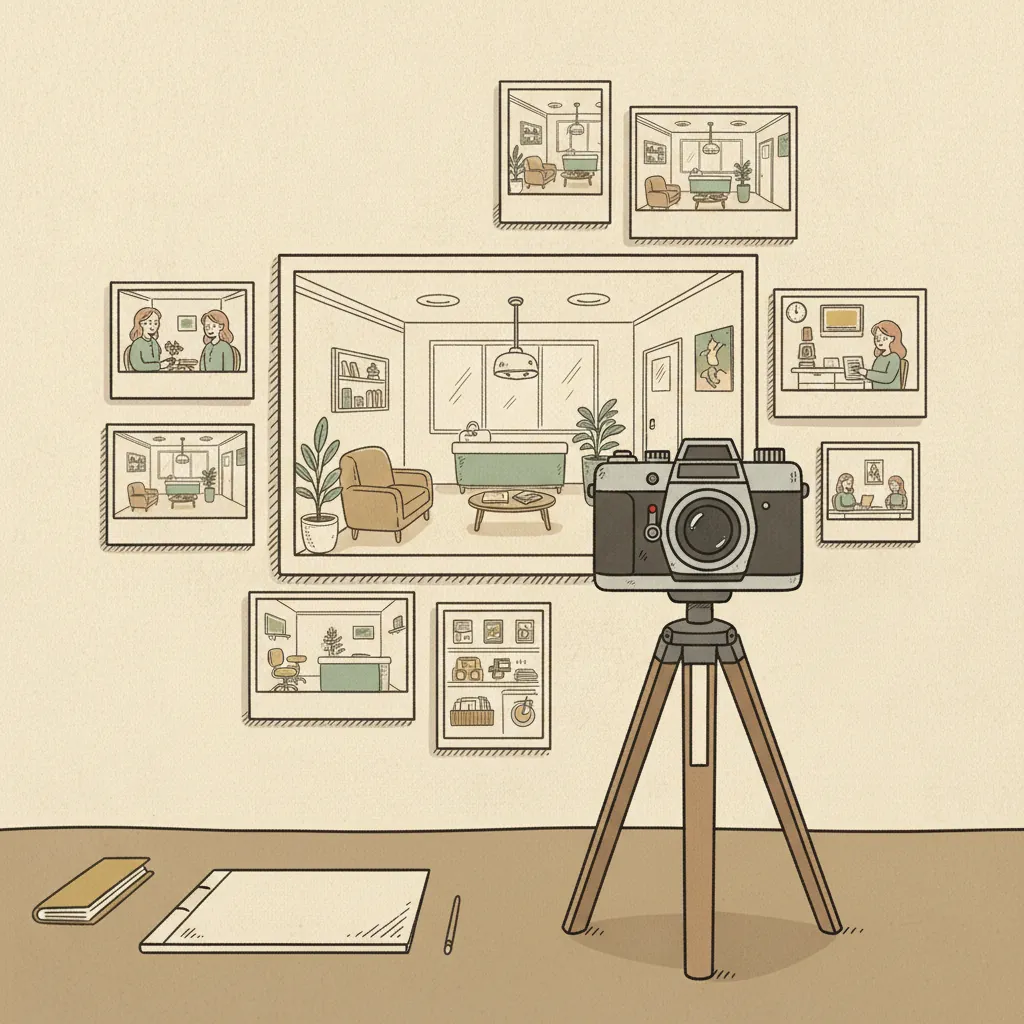
Google Business Profile photos are one of the highest-return, lowest-cost things you can do to improve your local search performance. They don't require ad spend. They don't require technical skills. And unlike a review, you control them completely.
Yet most local service business profiles have fewer than five photos — often stock images, often blurry — while their top-ranked competitors have dozens of well-lit, recent, authentic shots.
This guide covers the technical requirements, what types of photos to prioritize, how many to upload, and a practical checklist for each major service vertical.
Why Photos Matter for GBP Ranking and Conversions
Photos affect your Google Business Profile in two distinct ways:
1. Engagement signals that influence ranking. Google tracks how often users interact with your photos — views, clicks, and swipes. Higher engagement signals to Google that your profile is relevant and useful. Profiles with more photos and more recent photos tend to get more photo views, which compounds over time.
2. Trust signals that influence conversion. A customer comparing two plumbers is more likely to call the one whose photos show a professional crew, a clean truck, and completed jobs — versus an empty profile or clipart. Google's own guidance notes that photos and videos help tell the story of your business and show customers what you offer.
Photos do not directly boost your ranking the way categories or reviews do — but they affect engagement metrics and customer trust, which influence both ranking and conversion rates.
Technical Requirements
Before uploading, make sure your photos meet Google's requirements. Photos that don't meet these specs may be rejected without explanation.
| Spec | Requirement |
|---|---|
| Format | JPG or PNG only |
| File size | 10 KB – 5 MB |
| Minimum resolution | 250 × 250 px |
| Recommended resolution | 720 × 720 px |
| Aspect ratio | Square preferred for logo; wide for cover and general photos |
| Quality | In-focus, well-lit; no heavy filters |
| Content | Must represent reality; no excessive digital alteration |
Video requirements
| Spec | Requirement |
|---|---|
| Duration | Maximum 30 seconds |
| File size | Up to 75 MB |
| Resolution | 720p or higher |
Processing time: After upload, photos can take up to 24–48 hours to appear on your live profile. They won't appear at all until your business is verified. If you haven't yet verified your profile, see our guide to verifying your Google Business Profile.
Types of Photos You Can Add
Google Business Profile supports several distinct photo categories. Each serves a different purpose and appears in different contexts.
Logo
Your logo appears in search results alongside your business name and on your profile page. It's the "face" of your business in the Google ecosystem.
- Best practice: Square format (1:1), transparent or white background, at least 720 × 720 px
- What not to do: Uploading a photo of a logo on a busy background, or using a horizontal banner as your logo image
Cover Photo
The cover photo is the large banner image at the top of your profile. It's the first visual impression most users get before scrolling.
- Best practice: Use a high-impact image that represents your business — your storefront exterior, your team, or your most compelling service in action
- Aspect ratio: Google displays cover photos at approximately 16:9 when viewed on desktop
- What not to do: Using stock imagery or a generic texture as your cover photo
Exterior Photos
Exterior photos show the outside of your business location and help customers identify your physical location. They're especially important for businesses where customers walk in — dental offices, auto repair shops, restaurants.
- Minimum recommended: 3 exterior photos
- Best practice: Capture from multiple street-level angles; include photos during the day and, if your business is open evenings, at night with your signage lit
- Tip: Make sure your street number and signage are visible
Interior Photos
Interior photos show your workspace, waiting area, treatment rooms, or dining room. They build pre-visit familiarity and reduce anxiety for first-time customers.
- Minimum recommended: 3 interior photos
- Best practice: Use natural light where possible; show the space during a typical working state (not completely empty); clean and uncluttered
Team/Staff Photos
Photos of your team are among the most trust-building photos you can upload. They put a face to the business. Google's tips for business-specific photos explicitly recommend including management and staff to humanize your business.
- Minimum recommended: 3 team photos
- Best practice: Individual or small-group shots with professional but approachable framing; avoid formal corporate headshots that feel impersonal; action shots of staff helping customers work well
Work/Service Photos
Show your work in progress and completed results. This category has the highest conversion value for service businesses — it's the closest thing to a portfolio.
- Minimum recommended: 3 service photos
- Best practice: Before-and-after pairs where appropriate (plumbing repairs, auto body work, dental work where patient has consented); photos of the team performing a service; equipment/tools that signal professionalism
Product Photos (where applicable)
Restaurants, medspas with product lines, and auto parts businesses can add product photos that may appear in product-specific searches.
Photo Checklist by Vertical
Plumbing / HVAC
- Exterior of office or warehouse (if you have one) or professional crew photo as cover
- Branded work truck, clean and clearly marked
- Crew in uniform at a job site
- Before/after of a major repair or installation (water heater, pipe repair, HVAC unit)
- Interior of any physical location (office, showroom)
- Close-up of finished work (new fixtures, clean install)
- Team photo including the owner
Note for service-area businesses: If you operate entirely from a vehicle and home address, lead with crew/truck photos and job-site work photos rather than exterior/interior.
Dental
- Exterior of the practice, clearly showing signage
- Reception/waiting area
- Treatment room(s) — clean, modern equipment visible
- Team photo with dentist, hygienists, and front desk staff
- Dentist working with a patient (with appropriate consent)
- Before/after smile photos (with written patient consent)
- Any specialized equipment (digital X-ray, CBCT scanner, Invisalign display)
Chiropractic
- Exterior and reception area
- Adjustment table and treatment room
- Chiropractor performing an adjustment (with patient consent, patient face typically not shown)
- Any additional therapy equipment (decompression table, laser therapy device)
- Team photo
Auto Repair
- Exterior of the shop, bay doors visible
- Interior of the shop — bays, lifts, clean workspace
- Technician working on a vehicle
- Before/after of a specific repair (body work, before/after paint)
- Any specialized equipment (alignment rack, diagnostic tools)
- Team photo
Restaurant
- Exterior, clearly showing signage and entrance
- Interior/dining room showing ambiance
- Kitchen or open kitchen (if applicable)
- Food photos — your top 5–10 best-selling dishes, well-lit
- Team/chef photos
- Bar area (if applicable)
Food photos are the highest-engagement category for restaurants. A single excellent photo of your signature dish will get more profile engagement than three mediocre interior shots.
Law
Law firms have less obvious visual content, but photos still matter:
- Exterior of the office building (especially if clients visit)
- Reception area or conference room
- Individual attorney headshots
- Team photo
- Books/library aesthetic (signals credibility)
Avoid: photos of courtrooms you don't regularly appear in, stock legal imagery (gavels, scales), or anything that misrepresents your practice.
Medspa
- Exterior and reception/waiting area
- Treatment rooms — clean, clinical, well-lit
- Provider performing a treatment (with consent)
- Equipment (laser device, injection station with proper labeling)
- Before/after results (with explicit written patient consent)
- Team photo including medical director
Before/after photos are the single most persuasive content type for medspa services. They perform significantly better than product or facility photos in terms of engagement and conversions.
How Many Photos Should You Have?
There's no magic number, but more high-quality photos consistently outperforms fewer photos. A practical target:
| Business stage | Target photo count |
|---|---|
| Just getting started | 10–15 photos covering all core categories |
| Established profile | 25–50 photos |
| Competitive market | 50+ photos, with new photos added monthly |
Add new photos regularly. Profiles with recently uploaded photos get more engagement than those with all photos uploaded years ago. Aim to add 1–3 new photos per month. New job completions, team additions, equipment upgrades, and seasonal events are all good reasons to upload.
What Happens to Photos Customers Upload
Customers can also add photos to your profile — and you can't delete them unless they violate Google's content policies. The best response to a poor customer photo is to have so many high-quality owner-uploaded photos that the unflattering ones get buried.
If a customer uploads a photo that violates Google's content policy (spam, explicit content, unrelated to your business), you can flag it for review via your GBP dashboard.
Connecting Photos to Your Broader Profile Strategy
Photos are one piece of a larger profile optimization effort. Once your photos are in good shape, the next high-impact activities are:
- Regular Google Posts — Posts can include photos and are tied to specific promotions or events. See how to use Google Posts to get more customers.
- Review requests — More reviews mean more customer photo contributions and more social proof alongside your professional photos.
- Complete profile sections — Your profile's credibility is cumulative. See the full Google Business Profile optimization checklist for every field.
GBP Autopilot's geo-grid rank tracker shows you exactly where your profile ranks across your service area — so you can see whether a batch of new photos and reviews moved the needle. Plans start at $29/month.