 GBP Autopilot
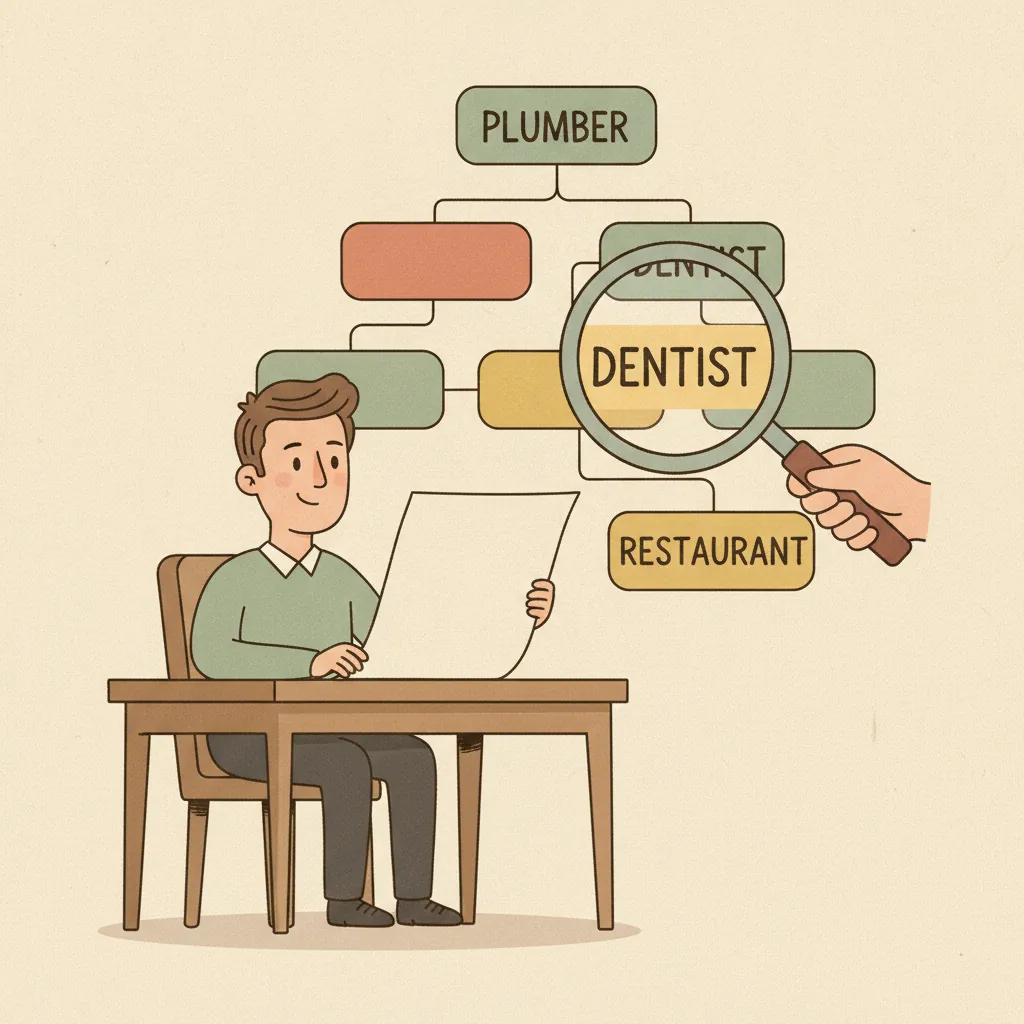
Your Google Business Profile category is the most consequential single field in your entire profile. It's the primary signal Google uses to decide which searches your business is eligible to appear in — and choosing the wrong one can bury you in irrelevant results while your actual target customers never find you.
This guide gives you the exact rules Google uses to evaluate category choices, plus concrete recommendations for each of the seven most common local service verticals.
Why Your Category Choice Matters More Than You Think
Google uses your primary category to determine relevance — one of the three core ranking factors alongside distance and prominence. When someone searches "emergency plumber near me," Google first identifies which profiles are categorized as plumbing businesses, then ranks them within that pool.
Beyond ranking eligibility, your category also controls which features appear on your profile. Google enables category-specific features based on what you select:
- Health and beauty businesses (medspa, chiropractor, dentist): Get a "Book" button if you use compatible scheduling software
- Restaurants and food businesses: Get menu, ordering, and reservation integrations
- Hotels and lodging: Get amenity listings and room features
- Service businesses: Get a services section where you can list individual offerings with descriptions and prices
Choosing the wrong primary category means you may not see the features your business type is entitled to, and your profile will rank poorly (or not at all) for your most important searches.
Google's Official Category Rules
Google's guidance on category selection boils down to four principles:
1. Complete the statement "This business IS a ___"
The category should describe what your business fundamentally is, not what it has or does. A dental office that also offers Botox treatments is a "Dentist" — not a "Medical Spa" just because it offers one aesthetic service.
2. Be as specific as possible
Google's category list has thousands of entries. "Nail salon" outperforms "Salon." "HVAC Contractor" outperforms "Contractor." "Personal Injury Attorney" outperforms "Law Firm" for the right practice. Specificity equals relevance.
3. Use as few categories as possible
More categories don't always mean more visibility. A profile with a precise primary category and two well-chosen additional categories outperforms one stuffed with ten marginally relevant categories. Google's guidelines say to use as few categories as possible to describe your overall core business.
4. Don't keyword-stuff categories
Categories are not a place to insert keywords. Adding "Best Plumber" or "Plumber + Water Heater" as categories will get your profile penalized or suspended. You can only choose from Google's predefined list — you cannot create custom categories.
How to Add or Change Your Category
- Go to your Business Profile at business.google.com or search your business name on Google while signed in.
- Click Edit profile → Business information → Category.
- Start typing your category to see matching options from Google's list.
- Select your primary category. Then click Add another category to add secondary categories.
- Save.
Note: Changing your category may trigger a reverification request. This is normal — Google verifies that your business type matches the new category.
For a breakdown of how primary and secondary categories interact, see primary vs secondary GBP categories.
Category Rules by Vertical
The table below gives the recommended primary category, common mistakes, and the best secondary categories for each of the seven target verticals.
| Vertical | Recommended Primary Category | Common Mistake | Best Secondary Categories |
|---|---|---|---|
| Plumbing | Plumber | "Contractor" (too broad) | Drainage Service, Water Heater Installer, Septic System Service |
| HVAC | HVAC Contractor | "Contractor" or "Heating Contractor" (misses cooling) | Air Conditioning Contractor, Furnace Repair Service, Air Duct Cleaning Service |
| Dental | Dentist | "Health" or "Medical Clinic" | Cosmetic Dentist, Orthodontist, Teeth Whitening Service, Dental Implants Periodontist |
| Chiropractic | Chiropractor | "Physical Therapist" (different specialty) | Sports Medicine Clinic, Pain Management Physician (only if you offer those services) |
| Auto Repair | Auto Repair Shop | "Mechanic" (less specific) | Oil Change Service, Tire Shop, Brake Shop, Auto Body Shop |
| Restaurant | Use your cuisine type (e.g., "Mexican Restaurant") | "Restaurant" (too broad — wastes primary slot) | Delivery Restaurant, Takeout Restaurant (if applicable) |
| Law | Your practice area (e.g., "Personal Injury Attorney") | "Law Firm" (too generic) | Accident & Property Damage Lawyers, Workers' Compensation Attorney |
| Medspa | Medical Spa | "Beauty Salon" or "Spa" (undersells medical services) | Laser Hair Removal Service, Skin Care Clinic, Botox Provider |
Vertical Deep Dives
Plumbing
Search "plumber near me" vs. "plumbing contractor" — both will return businesses categorized as "Plumber." The category "Plumbing Supply Store" is wrong if you're a service business, not a retailer.
If your business specializes in commercial plumbing, consider "Commercial Plumbing" as your primary category rather than the residential "Plumber" — Google treats these as distinct categories, and commercial searches are a different pool.
If you're a service-area business operating out of a home address and not a physical storefront, see our guide to service area business setup on Google.
HVAC
"HVAC Contractor" covers both heating and cooling — the broadest and most searched category. If your business is heating-only (boiler service, furnace repair) or cooling-only (central AC installation), use the more specific category. Most full-service HVAC companies should use "HVAC Contractor" as primary and add secondary categories for specific services.
Dental
"Dentist" is the correct primary category for a general practice. Adding "Cosmetic Dentist" as a secondary category is appropriate if you offer whitening, veneers, or smile makeovers. Do not use "Oral Surgeon" unless you are one — Google's categories are meant to describe what you are, not what you occasionally do.
Pediatric practices should use "Pediatric Dentist" as their primary category.
Chiropractic
"Chiropractor" is the correct primary category. Common wrong choices include "Physical Therapist" (different license and scope of practice) or "Massage Therapist" (even if you offer massage). If your practice offers sports medicine services, "Sports Medicine Clinic" can work as a secondary category.
Auto Repair
"Auto Repair Shop" is the standard primary category. If your shop specializes — transmission-only, body work only, tires-only — use the specialist category as primary instead. "Mechanic" as a category still exists in Google's list but is less specific and less commonly searched than "Auto Repair Shop."
Restaurant
Restaurants should almost never use "Restaurant" as their primary category because it's too broad. Instead, use your cuisine type: "Pizza Restaurant," "Mexican Restaurant," "Japanese Restaurant," "American Restaurant." This is how customers search and how Google matches.
If you're a fast-casual or counter-service concept that doesn't fit a cuisine category well, "Fast Food Restaurant" or "Sandwich Shop" may be more accurate.
Law
Law practices benefit the most from specificity because legal searches are highly intent-specific. "Personal Injury Attorney" and "Family Law Attorney" are searched differently by different people with different needs. Your primary category should match your most common case type.
Multi-practice law firms can add secondary categories for each major practice area, but the primary should reflect where 60%+ of your revenue comes from.
Medspa
"Medical Spa" is the correct primary category. This distinguishes your practice from day spas ("Day Spa" category) and beauty salons. If you have a medical director and offer injectables or laser treatments, using the "Medical Spa" category is both accurate and important for ranking for high-value searches like "Botox near me" or "laser hair removal."
How to Find the Right Category if You're Unsure
Search for your top competitor on Google Maps. Click their profile and scroll to "Category" — you can see their primary category. If the top-ranked competitor uses a specific category, that's strong evidence it's the right one.
Search Google's full category list. Third-party resources maintain full searchable lists of all GBP categories. You can browse the GBP category directory to find the exact category name to type into your profile.
Start typing in GBP. The category field in your profile has autocomplete. Type variations of your business type and see what options appear — Google will show you what's in its list.
Check what features appear after you set your category. After saving, look at what sections appear in your GBP dashboard. If you're a restaurant and you suddenly see a "Menu" section, your category is working correctly.
After You Set Your Category
Your category is a starting point, not a one-time decision. Review it annually, or whenever:
- You add a major new service line (a dental practice that starts offering Invisalign may want to add "Orthodontist")
- A new category appears in Google's list that more precisely matches your business
- Your ranking drops unexpectedly and you're diagnosing potential causes
Once your category is set correctly, the next step is building out the rest of your profile. The Google Business Profile optimization checklist covers every field in priority order.
Getting Category Selection Right Is Just the Start
Category determines which searches you're eligible for. Reviews, photos, posts, and an accurate profile determine where you rank within that pool. GBP Autopilot's competitor intel feature shows you exactly what categories your top-ranked local competitors are using — so you know if a category switch is worth testing. It also tracks your ranking on a geo-grid map so you can see the before-and-after impact of profile changes. Plans start at $29/month.